Understanding Plant 3D Piping Design
Introduction to Plant 3D Technology
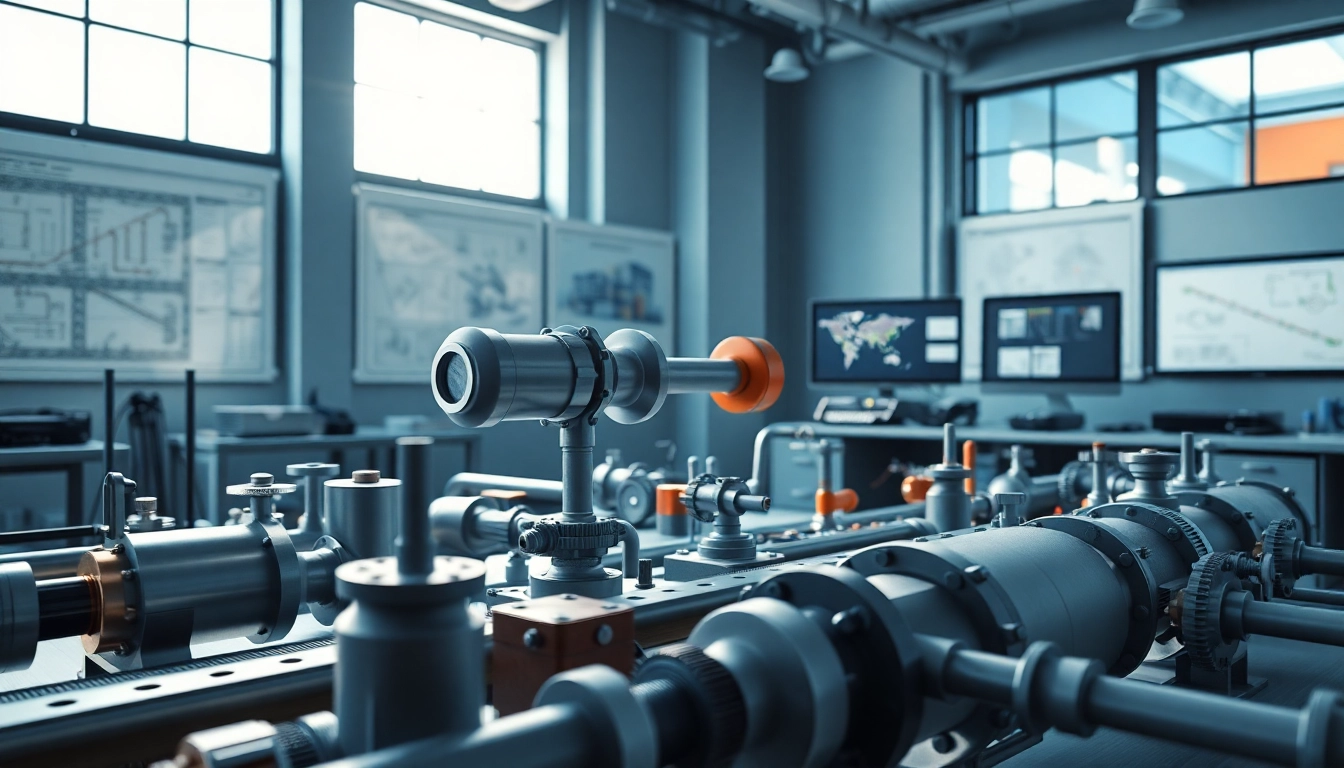
In the ever-evolving world of engineering design, the significance of 3D modeling tools has dramatically increased, particularly in piping design. Plant 3D piping design emerges as a powerful software solution tailored for the efficient design and modeling of piping systems used in various industries, including chemical, oil and gas, and water treatment. The tool, developed by Autodesk, provides engineers and designers with a comprehensive platform to create detailed 3D models, accommodating complex piping layouts and integrating seamlessly with other engineering disciplines.
Key Features and Benefits
Plant 3D comes equipped with an array of features specifically designed to facilitate the piping design process. These include:
- Intuitive User Interface: A user-friendly interface allows for easy navigation and efficient workflow.
- Automated Pipe Routing: This feature simplifies the process of determining optimal piping routes based on set parameters.
- Integration with CAD Tools: Plant 3D seamlessly integrates with other CAD applications, enhancing versatility.
- Comprehensive Library: Access to a wide range of standard components and materials accelerates the design process.
- Real-time Collaboration: Enables multiple users to work on a project simultaneously, supporting teamwork and reducing design time.
The culmination of these features ultimately results in reduced project time frames and improved accuracy in designs, significantly lowering the risk of errors in project execution.
Basic Components of a Piping System
Understanding the basic elements of a piping system is crucial for effective design in Plant 3D. Key components include:
- Pipes: Convey fluids from one point to another.
- Fittings: Connect different sections of piping, allowing for changes in direction, branch connections, or termination.
- Valves: Control fluid flow within the system.
- Supports: Provide structural support and stabilization for the piping.
- Specialty Devices: Include pumps, tanks, and other equipment necessary for the specific application.
Together, these components form a cohesive unit that must be designed meticulously to ensure functionality and safety.
Setting Up Your Plant 3D Environment
System Requirements for Optimal Performance
Before embarking on your design projects, it is crucial to ensure your system meets the necessary requirements for optimal performance. Key specifications typically include:
- Processor: Multi-core processor (3 GHz or faster recommended)
- RAM: Minimum 16 GB; 32 GB or more recommended for large projects
- Graphics Card: A dedicated graphics card with support for DirectX 11 and OpenGL 4.5 or higher
- Storage: Solid State Drive (SSD) for faster load times and responsiveness
Adhering to these requirements will ensure smooth performance during operation and modeling.
Software Installation and Configuration
The installation process for Plant 3D is straightforward, involving the following steps:
- Download the installer from the official website.
- Run the installer and follow the prompts to complete the installation.
- Launch the software and input the necessary licensing information.
- Configure the initial settings based on your project preferences.
Proper configuration sets the groundwork for an effective design workflow, so meticulous attention during this phase is recommended.
Customizing Your Workspace for Efficiency
For optimal productivity, it is essential to customize your workspace according to your preferences. This includes:
- Adjusting toolbars to display frequently used functions.
- Docking panels that house properties, project information, and component libraries for easy access.
- Setting up keyboard shortcuts for commonly utilized commands.
- Creating a template that suits your standard project requirements.
These customizations can significantly reduce the time spent navigating the design environment and streamline the process of model creation.
Creating and Managing Piping Models
Step-by-step Guide to Layout Design
The following steps outline an effective approach to designing piping layouts using Plant 3D:
- Initiate a New Project: Start by creating a new project file and set your units and drawing standards.
- Import 2D Layouts: If available, import 2D layouts or schematics for reference.
- Define Pipe System: Select the appropriate pipe specifications and components from the library.
- Route the Pipes: Use the automated routing tools to establish the layout.
- Review and Adjust: Inspect the layout for compliance with project specifications and make necessary adjustments.
- Save and Document: Regularly save your progress and document changes for future reference.
By following this structured approach, designers can facilitate accurate and efficient layout creation in Plant 3D.
Techniques for Accurate Modeling
To achieve precision in your piping models, consider employing these techniques:
- Utilize Snap Tools: Utilize the snapping features within Plant 3D to ensure components align accurately.
- Reference Existing Drawings: Continually reference existing documentation to maintain consistency in your project.
- Verify Component Sizes: Confirm that the dimensions of fittings and pipes align with industry standards.
- Conduct Interference Checks: Regularly check for interferences between piping and other systems to preempt issues.
Implementing these techniques will significantly enhance the quality and reliability of your models.
Managing Pipe Specifications and Components
Effective management of pipe specifications is crucial for the integrity of your design. Key strategies include:
- Creating Custom Specifications: Develop specifications tailored to your project needs, incorporating unique materials and dimension standards.
- Updating Component Libraries: Regularly review and update components in the library to align with the latest industry standards and project requirements.
- Using Templates: Leverage templates for repeated designs to save time and maintain consistency across projects.
By maintaining stringent control over specifications and components, you can enhance both efficiency and effectiveness in design processes.
Best Practices for Streamlining Workflow
Collaborative Techniques for Team Projects
When working in teams, effective collaboration is paramount. Best practices include:
- Utilizing Cloud-Based Solutions: Adopt cloud services for storing project files, enabling team members to access and update files in real time.
- Setting Clear Roles: Clearly define roles and responsibilities for team members to enhance accountability and streamline efforts.
- Regular Check-ins: Schedule routine meetings to discuss project progress and address any concerns or roadblocks.
These collaborative strategies foster a cooperative project environment that promotes success.
Tips for Maintaining Design Consistency
Ensuring design consistency across a project involves several strategies:
- Adhering to Design Standards: Define and communicate design standards at the project's outset.
- Utilizing Style Guidelines: Create a style guide that outlines visual elements to be used throughout the project.
- Conducting Reviews: Implement regular design reviews to address discrepancies and ensure adherence to the established guidelines.
Maintaining consistency not only enhances professionalism but also avoids confusion during project execution.
Utilizing Plant 3D Tools Effectively
To maximize the potential of Plant 3D, consider the following practices:
- Explore Add-Ons: Investigate any available plugins or add-ons that can enhance the functionality of Plant 3D.
- Participate in Training: Engage in training sessions or workshops to deepen your understanding of the software.
- Utilize Online Resources: Take advantage of online tutorials and forums to troubleshoot issues and discover best practices.
Effective use of these tools can significantly improve workflows and the overall quality of designs.
Analyzing and Optimizing Your Designs
Performance Metrics to Monitor
Tracking performance metrics is essential for evaluating the effectiveness of your designs. Critical metrics to monitor include:
- Design Time: Assess the time taken to complete each design phase to identify areas for improvement.
- Error Rates: Monitor the frequency and types of errors encountered to avoid recurring issues.
- Collaboration Efficiency: Evaluate how effectively team members collaborate and communicate throughout the project.
Continuous monitoring of these metrics will enhance future projects and streamline design processes.
Common Challenges in Piping Design
Piping design is fraught with challenges. Common issues include:
- Interference Issues: Conflicts between piping and structural elements can arise.
- Specification Alignment: Ensuring all components meet project specifications can be challenging.
- Coordination Across Disciplines: Communication gaps between different engineering teams can lead to errors.
Identifying these issues early in the design process allows designers to develop effective solutions and mitigate potential risks.
Strategies for Continuous Improvement
Continuous improvement should be a fundamental goal in every piping design project. Some strategies include:
- Soliciting Feedback: Regularly seek input from team members and stakeholders to identify areas needing enhancement.
- Investing in Skills Development: Encourage ongoing education and training for team members to keep them updated on best practices.
- Documenting Lessons Learned: Create a repository of lessons learned at the end of each project for future reference.
By implementing these strategies, teams can foster a culture of excellence and refinement within their design processes.
FAQs on Plant 3D Piping Design
What is Plant 3D used for?
Plant 3D is a design software used for modeling piping systems in various industries. It helps create detailed 3D models of piping layouts and component interactions.
Can Plant 3D integrate with other design software?
Yes, Plant 3D can integrate with other Autodesk tools and CAD applications to enhance collaborative workflows and data sharing.
What types of projects can benefit from Plant 3D?
Projects in industries such as oil and gas, chemical manufacturing, and water treatment can greatly benefit from Plant 3D's advanced piping design capabilities.
How does Plant 3D streamline the design process?
Plant 3D streamlines the design process by automating routine tasks, providing a comprehensive library of components, and supporting real-time collaboration.
What are some common challenges faced in piping design?
Common challenges include interference between systems, ensuring specification alignment, and maintaining effective coordination across different engineering disciplines.